
Kling AI: identity-accurate characters and lip-sync in practice
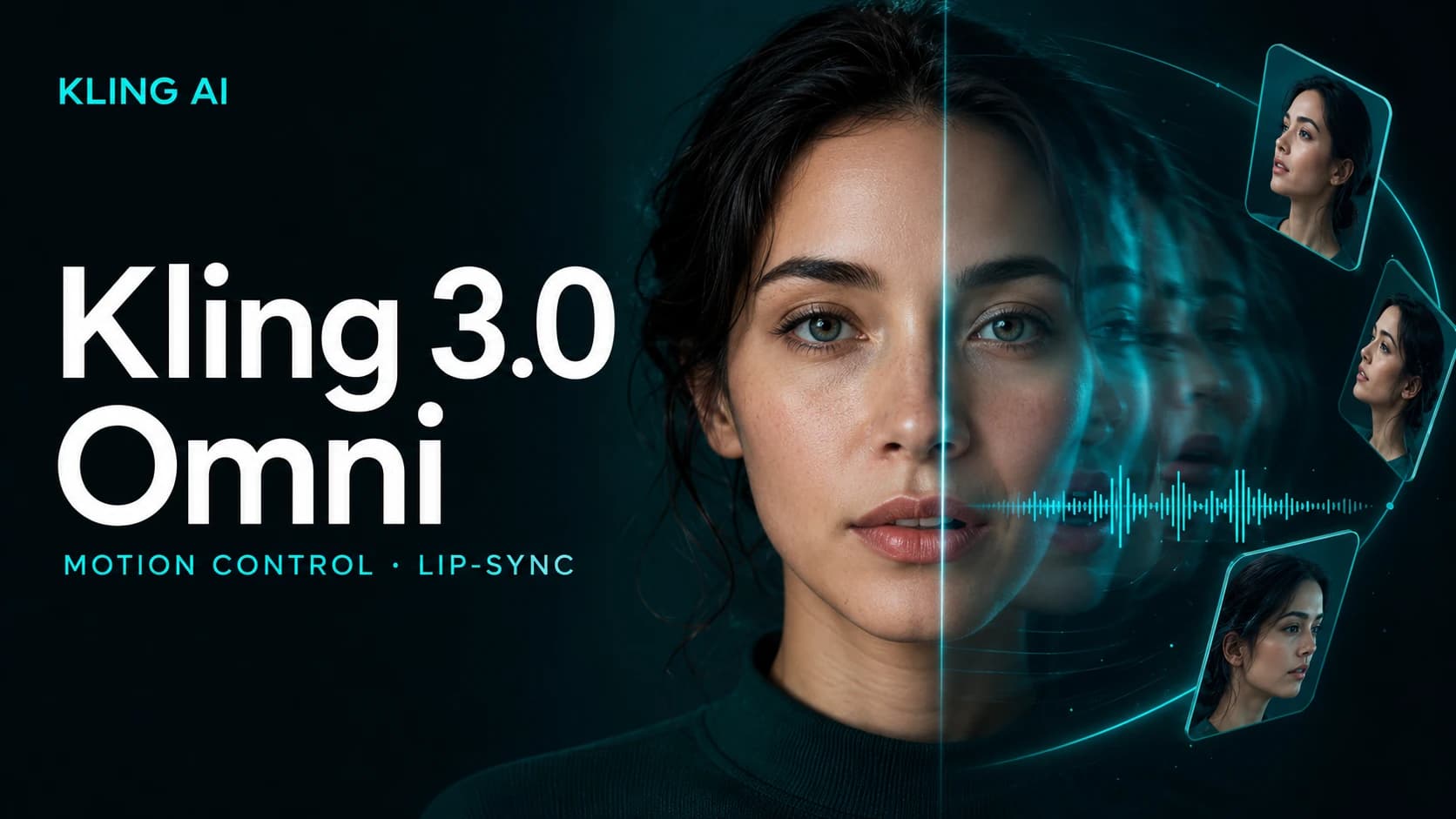
Kling is one of the strongest video model families when the goal is to consistently render a REAL, recognizable face in an AI-generated scene, not a stylized character. Kling 3.0 Omni, released on February 5, 2026 by Kuaishou, brought this into a unified multimodal framework where text, image, video and audio all count as equal inputs. We went through exactly this in a real test project (animating a brand character), mistakes and fixes included.
What Motion Control grew into
The Motion Control feature (a static character image plus a reference video -> the character takes on the movement/facial expression seen in the video) became its own viral phenomenon in early 2026, spawning millions of dance-transfer videos on TikTok and Instagram; no other major video platform currently offers a native feature at this level. Kling 3.0 Omni builds on that with 3-8 second reference-video locks for face, body, or an entire scene, plus an Elements library that stores 50 reusable, named characters/props per account: this is what lets a brand character's face, voice and outfit stay consistent from generation to generation.
The first lesson: the "iconic character" trap
In our first attempt we described a sci-fi armor scene using words like the name of a well-known superhero suit. The result: instead of our actual character's face, the model generated a famous actor's face. The explanation is simple: if the prompt references a recognizable franchise, the model tends to draw on its own built-in knowledge instead of the uploaded reference image, even when that wasn't the intent.
The fix: replace every brand name/character name/franchise reference with generic, descriptive language ("high-tech powered armor" instead of the brand name), and explicitly state the identity of the real face twice in the prompt ("keep the face and identity exactly as in the input image").
Multi-image reference: not one photo, three
Elements works best when a character is given not one but 3 differently angled photos: close-up face, full body, profile. This gives noticeably better consistency than a single front-facing photo; in our own test, this was the turning point for face accuracy.
Content policy: it varies by model, don't try to work around it
With a different video model (Seedance 2.0), using our own face as a reference triggered a content-policy error: that model explicitly forbids uploading real faces. Important lesson: this is model-specific, not universal (Kling didn't block the same reference), and if a platform blocks a legitimate, own-face use case, the right response is to switch platforms, NOT to try to bypass the filter.
Safer in two steps than in one
The most reliable workflow we ended up using in our own test:
- Build a composite still image (face + scene + logo) with an image-editing model, using clean, single-instruction prompts ("keep everything else the same"), with the prompt enhancer turned off.
- Only then, in a separate step, animate camera movement from the finished still with Kling (image-to-video), so the video model doesn't have to solve face accuracy AND motion at the same time.
This split significantly reduces the room for error, and it's cheaper too, since a bad face result can be filtered out before the (more expensive) video generation step.
Pricing and access in summer 2026
Consumer subscriptions on kling.ai range from $6.99/month (Standard) up to $64.99/month (Premier), and Kling 3.0 Omni is also available in its own tiers: Pro at $29.99/month, Ultra at $59.99/month. For API-based, developer access, third-party providers offer per-second pricing (roughly $0.07-0.11/second depending on the model); worth it if you're building the generation into a custom pipeline (e.g. via Fal.AI) rather than working directly in Kling's own interface.
Who we'd recommend it to
If a brand needs to consistently feature its own recognizable spokesperson-character in AI video (a real face, not a stylized one), Kling is currently one of the most reliable choices, but only if you consciously avoid the two pitfalls above (the iconic-language trap, an overloaded single-step prompt).
Sources: Atlas Cloud: Kling AI Motion Control Guide, Atlas Cloud: Kling 3.0 Review
Stay up to date!
Subscribe to my newsletter and get my latest articles.